Billing with the camera
Search by brand, generic or barcode, or scan with the camera; sell by box, strip or tablet, with discounts and the nearest-expiry batch first.
Bill at the counter, enter distributor bills, count stock, recover udhaar and read every report, from an Android phone. It comes with every Cloud plan.
The MediPOS Android app is the full pharmacy software on a phone, not just a dashboard. Search a medicine by brand or generic or scan its barcode with the camera, sell it by the box, strip or tablet from the nearest-expiry batch, and print the receipt on a Bluetooth or Wi-Fi thermal printer. Distributor bills, Add & stock from the medicine database, stock counts, expiry, udhaar, cash shifts, expenses and reports are all there too.
It works with the MediPOS Cloud edition, on the same account as the counter PCs and the browser, so a bill made on the phone is in the shop's stock and reports at once. It comes with every Cloud plan, from Basic, including the free trial. What each person can do follows your plan and their role, exactly as on the PC. Download it from medipos.pk/download; it needs Android 7.0 or newer.
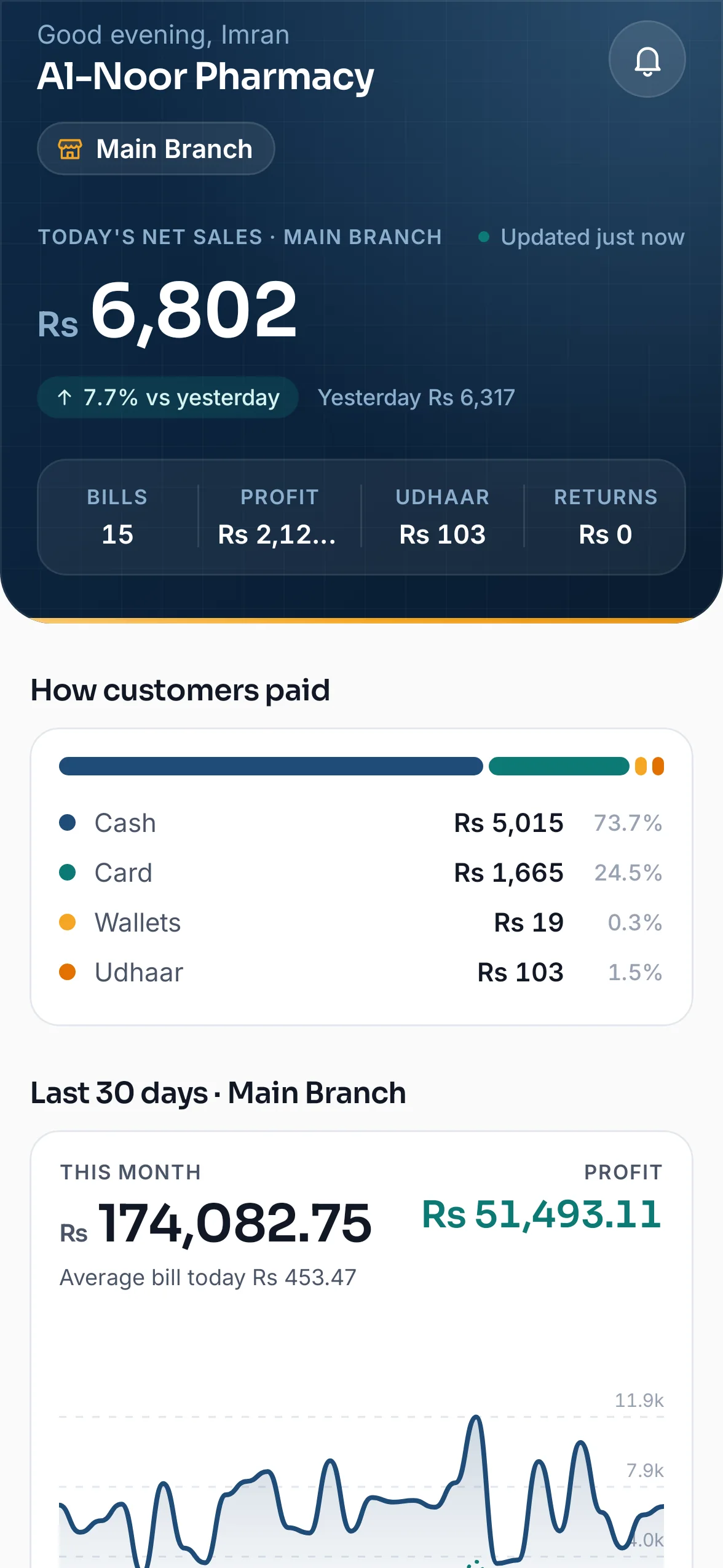
Home: today's sales against yesterday, and how customers paid.
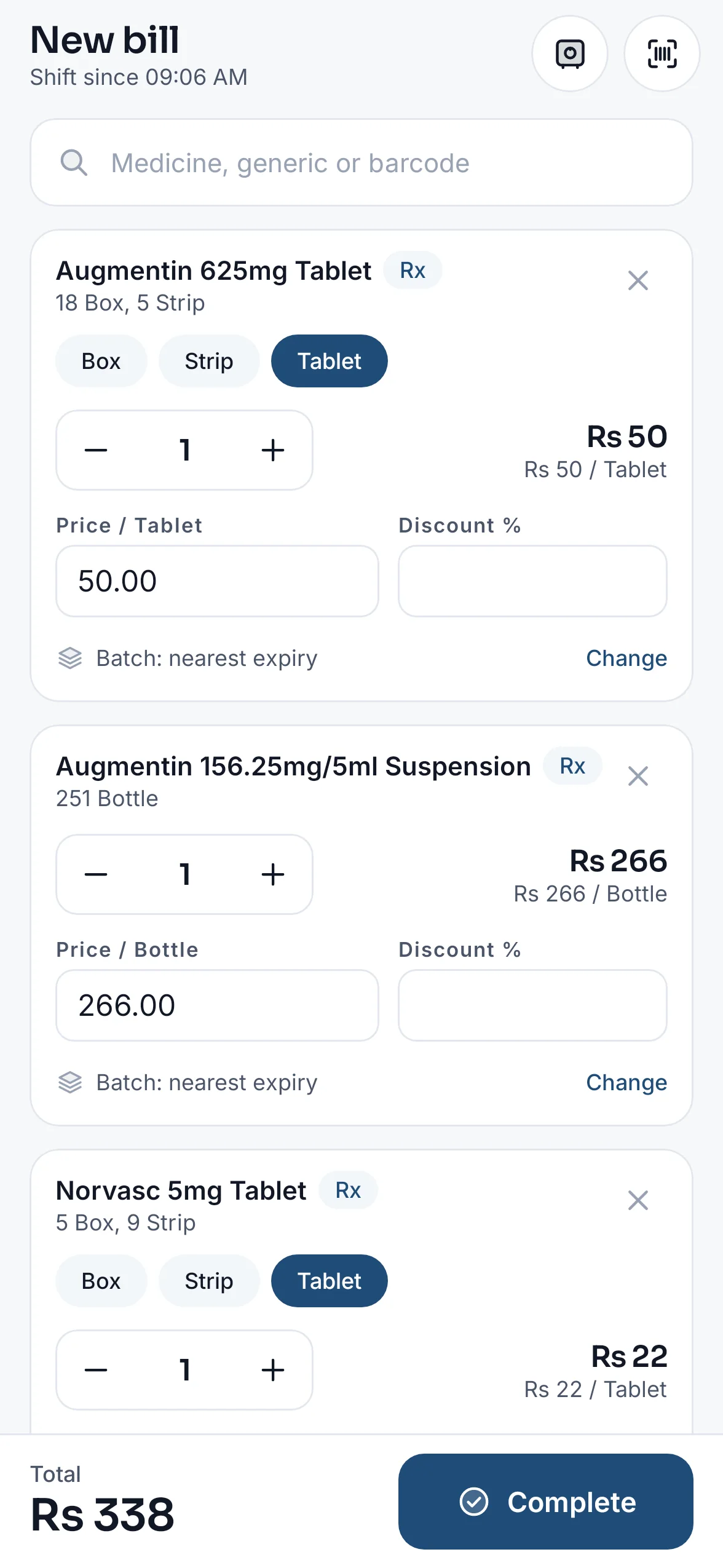
Billing on the phone: search or scan, sell by box, strip or tablet.
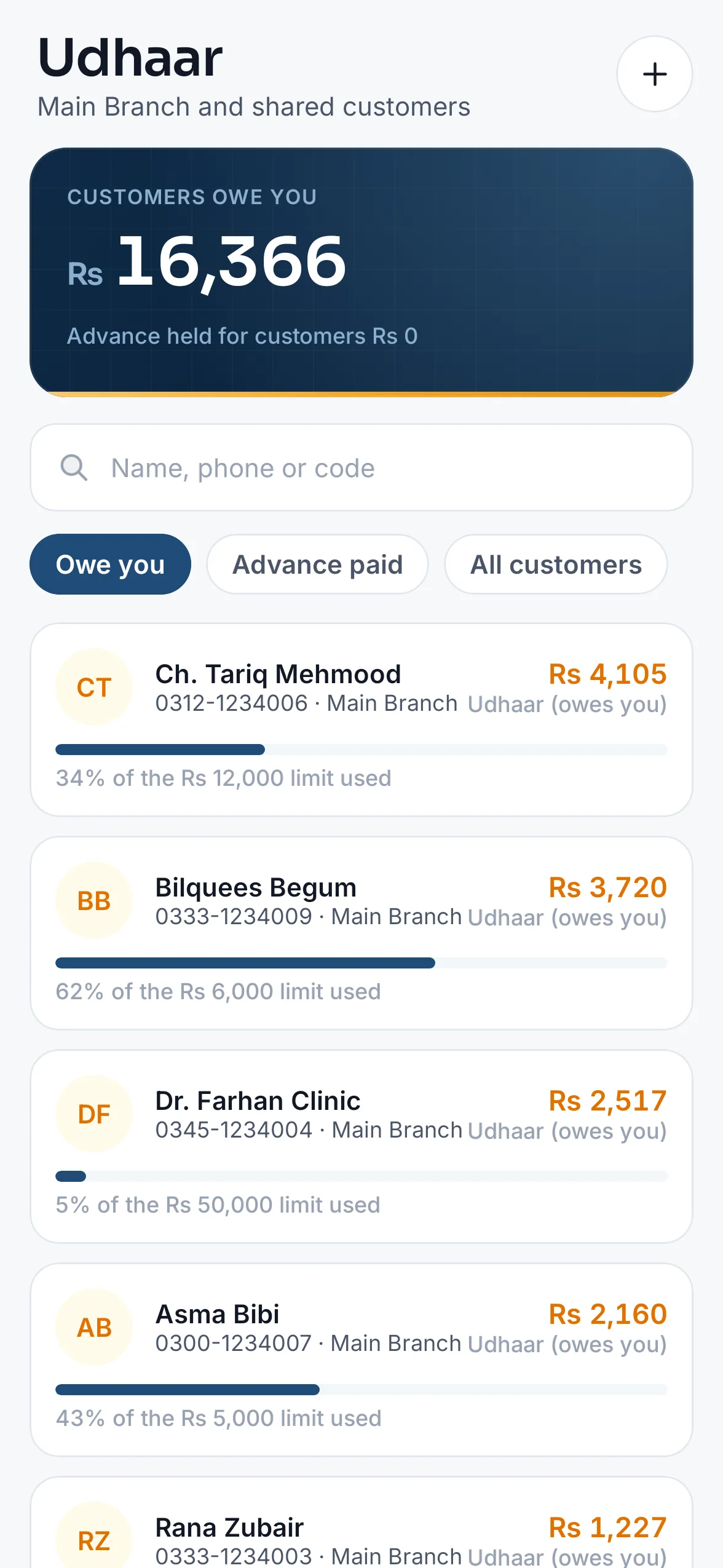
Udhaar: who owes you, largest first.
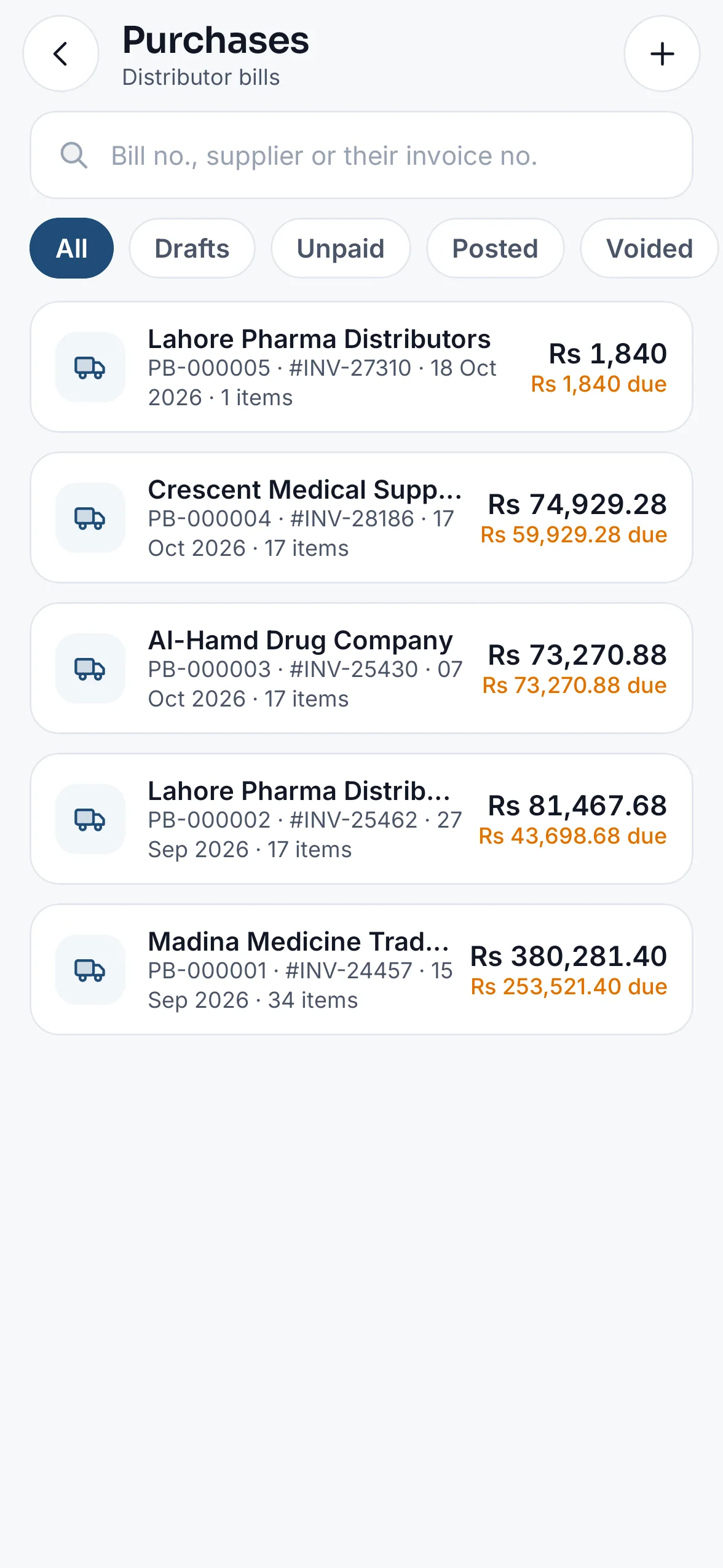
Purchases: distributor bills and what is still due.
Search by brand, generic or barcode, or scan with the camera; sell by box, strip or tablet, with discounts and the nearest-expiry batch first.
Print to a Bluetooth or Wi-Fi (network) thermal printer, the same receipt as the counter PC.
Enter distributor bills with batch, expiry, bonus and T.P., purchase returns, and add a medicine from the database with its stock in one step.
Every batch with its expiry, stock counts by camera, adjustments, transfers between branches and short-dated stock with its value.
Each customer's khata and how late it is, a call in one tap, payments received and follow-ups noted.
Today against yesterday, cash shifts, expenses, cash book and day book, profit and the same reports as the PC.
Basic, Standard or Chain, including the free trial. A plan with several branches adds the figures of all branches together on Home.
A cashier sees billing, a pharmacist stock and expiry, the owner everything, the same roles as on the PC. A shared counter phone signs staff in with their PIN.
Turn on the app lock and it opens only with your fingerprint, face or the phone's PIN, and locks again after five minutes away.
Sign up and choose the Cloud edition. Every Cloud plan includes the app, from the first day of the free trial.
Open medipos.pk/download on the phone, download MediPOS for Android and allow the install when Android asks.
Sign in with your MediPOS email or mobile and password. Staff sign in with their own account, or by PIN on a counter phone.
Bill, enter purchases and see today's sales from anywhere with internet. Pair a thermal printer in More → Receipt printer.
Yes. The MediPOS Android app is the full pharmacy software on a phone: billing with barcode scan and a Bluetooth or Wi-Fi receipt printer, purchases, Add & stock, stock counts, expiry, udhaar, shifts, expenses and reports. Download it from medipos.pk/download; it needs Android 7.0 or newer.
Yes. Search or scan the medicine, sell it by the box, strip or tablet, take cash, card, a wallet or udhaar, and print the receipt. The sale goes into the same stock and reports as the counter PCs.
Every Cloud plan, from Basic, including the free trial. The app follows your plan's modules and each person's role, so it shows what the PC would show them. The figures of all branches together appear with a plan that has several branches.
No. The app works with the MediPOS Cloud edition only, so it needs internet. The Offline edition is used on the shop's Windows PCs.
Not yet. Download the Android app from medipos.pk/download; updates are posted there too. There is no iPhone app yet; on an iPhone, use MediPOS in the browser.
With the app lock on it opens only with your fingerprint, face or the phone's PIN. Changing your MediPOS password signs the app out on every phone, and an owner can remove a staff member's access at any time.
14 days free, no card required, and nothing you enter is deleted when the trial ends.